
Report: Minimum Stock
Minimum stock reports show items below their configured minimum quantity.
Menu Location and Access
Open Report -> Minimum Stock or Report -> Warehouse Minimum Stock. The visible menu depends on company settings.
Important: The visible report depends on the minimum stock mode chosen in Company Settings. The report menu changes between
UnionandPer Warehouse.
Report Modes
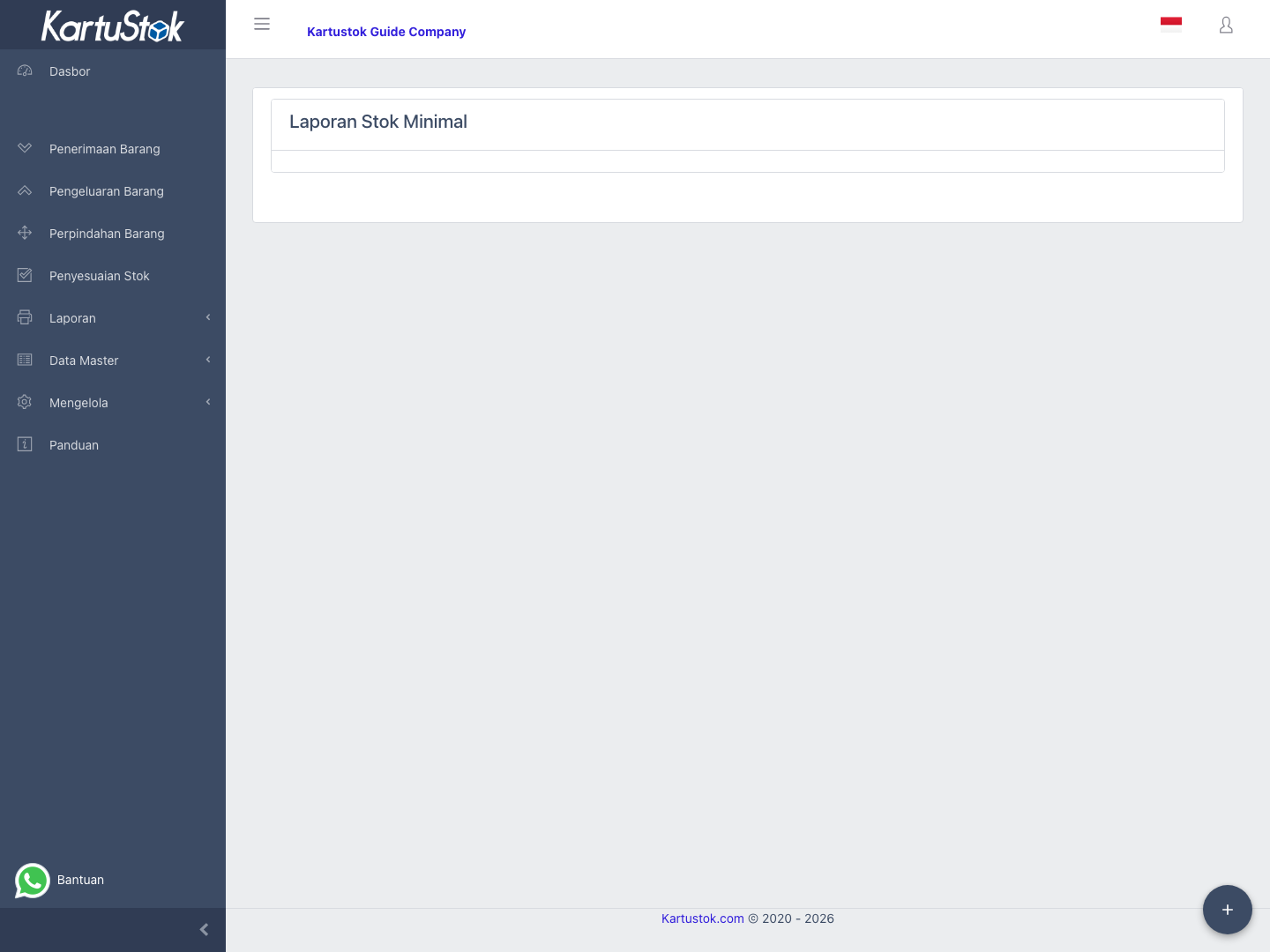
| Company Setting | Report |
|---|---|
| Union | Minimum Stock |
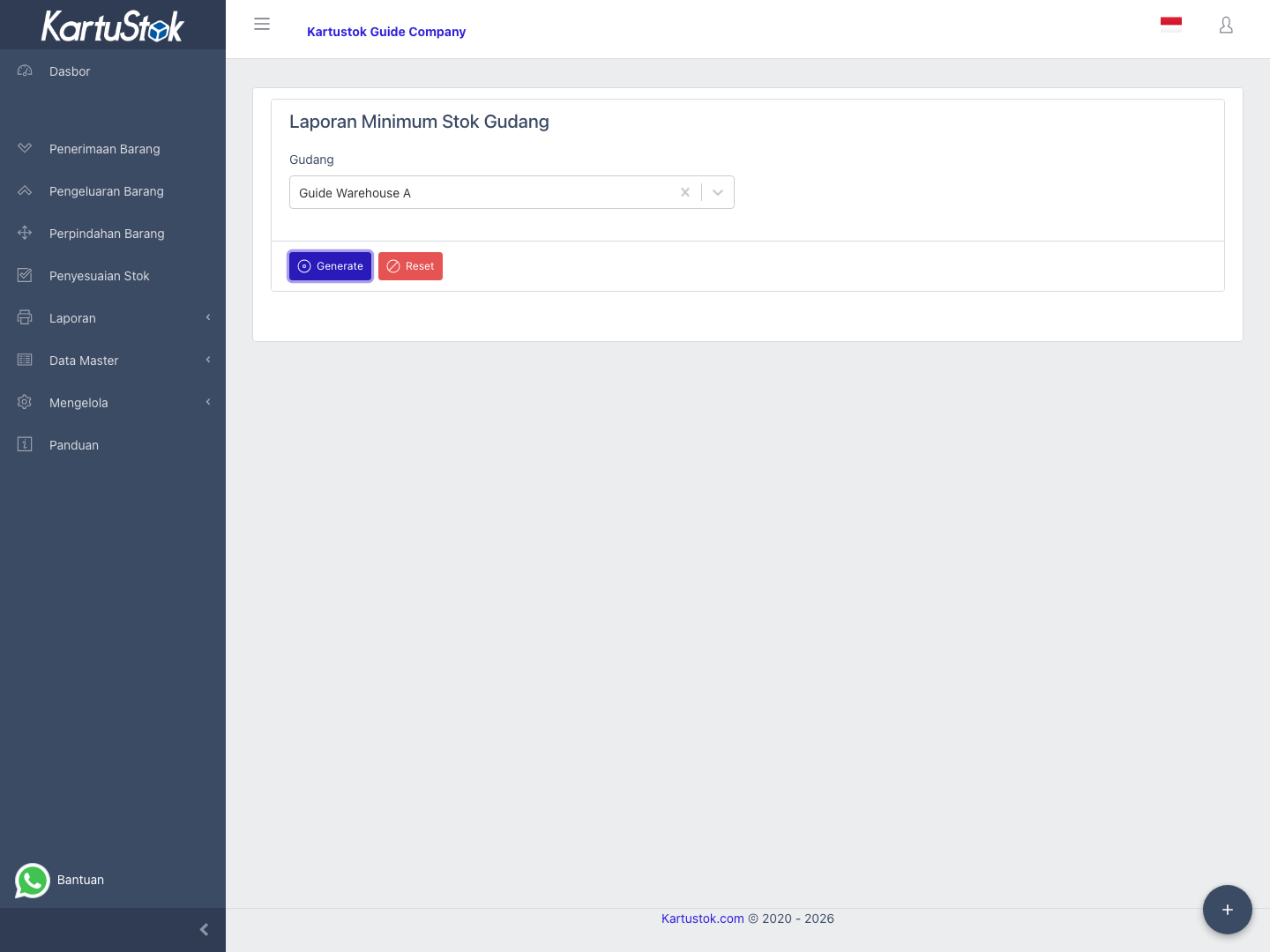
| Per Warehouse | Warehouse Minimum Stock |
When Warehouse Grouping is enabled, Per Warehouse minimum stock follows the Warehouse Group structure. Use Master Data: Warehouse to confirm the group/location setup before investigating shortage differences.
Generate the Report
- Confirm minimum stock mode in Company Settings.
- Open the matching report.
- Select filters such as item, category, or warehouse when available.
- Select Generate.
- Review current quantity, minimum quantity, and shortage.
Practical Example: Reorder Review
A purchasing user wants to know which items need replenishment.
| Step | User Action | Result to Check |
|---|---|---|
| 1 | Confirm whether the company uses Union or Per Warehouse. | Open the correct report menu. |
| 2 | Generate the minimum stock report. | Items below threshold appear. |
| 3 | Review current quantity and shortage. | The shortage indicates the quantity needed to reach minimum. |
| 4 | Filter by warehouse in Per Warehouse mode. | Purchasing can focus on one warehouse. |
| 5 | Export the result if it must be sent to purchasing or procurement. | Export reflects the current report result. |
How to Use the Result
| Result | Meaning |
|---|---|
| Current Quantity | Stock currently recorded. |
| Minimum Quantity | Target threshold. |
| Shortage | Quantity needed to reach minimum. |
| Warehouse | Warehouse affected, shown in warehouse minimum mode. |
Minimum Stock Modes
| Mode | Example |
|---|---|
| Union | Item Packaging Tape has minimum 50 for the whole company. |
| Per Warehouse | Item Packaging Tape has minimum 30 in Main Warehouse and 10 in Branch Warehouse. |
Use Per Warehouse when replenishment decisions differ per location.
Common Problems
| Problem | Fix |
|---|---|
| Minimum report menu is missing | Activate minimum stock mode. |
| Warehouse report asks for warehouse | Select a warehouse before generating. |
| Item does not appear | Confirm minimum quantity is configured and stock is below threshold. |
| Shortage looks wrong | Check whether the company uses Union or Per Warehouse and whether stock exists in another warehouse. |