
Import Master Data
Master data imports help administrators prepare categories, units, warehouses, and items in bulk.
Use this feature during first company setup, branch rollout, or major master-data cleanup.
Menu Location and Access
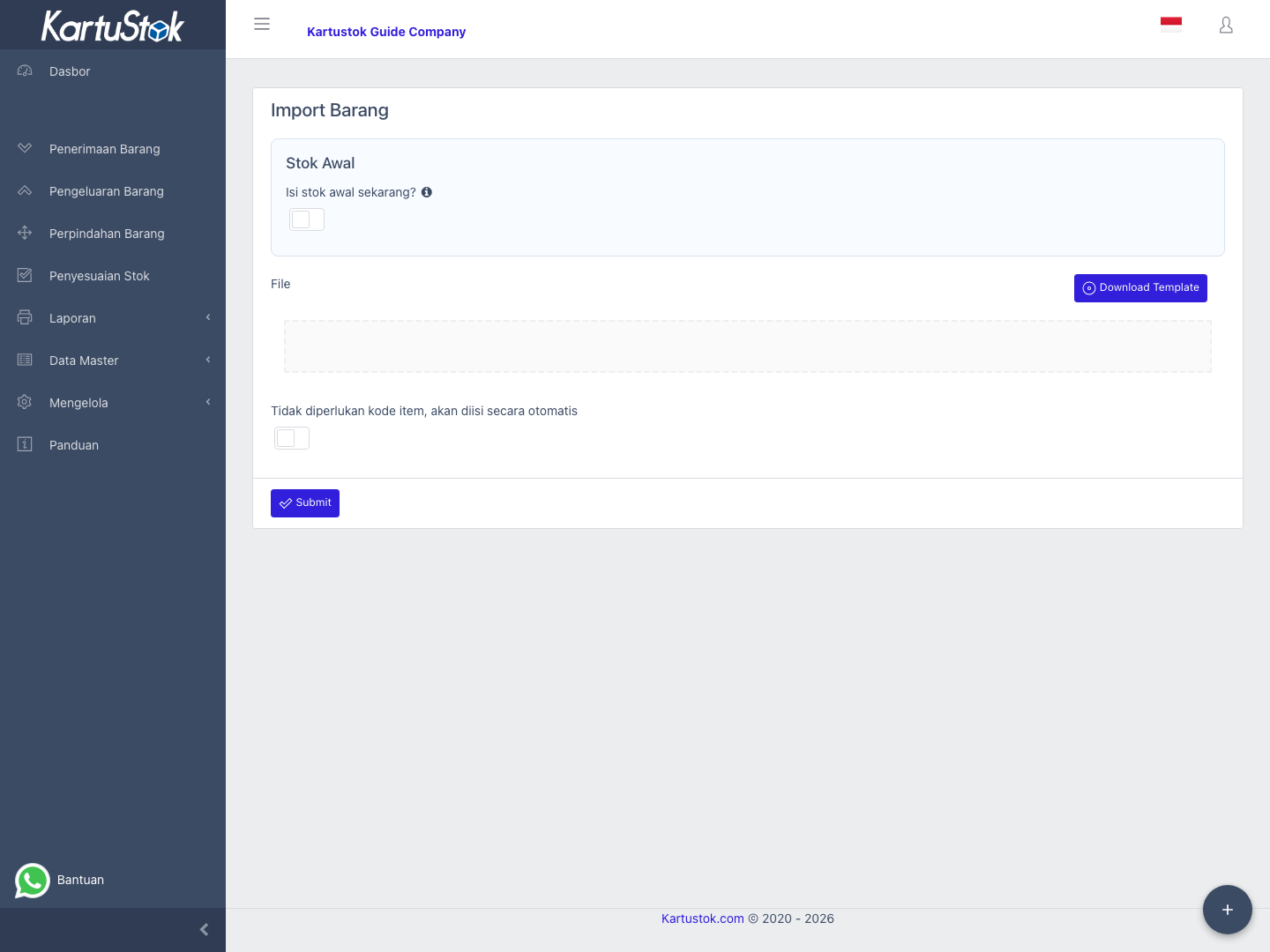
Open Manage -> Import. Each import menu appears only when the role has the related import permission.
Supported Master Data Imports
| Import | Use For | Should Run After |
|---|---|---|
| Import Item Category | Creating many categories. | None. |
| Import Unit of Measure | Creating many units. | None. |
| Import Warehouse | Creating warehouses or locations. | None. |
| Import Item | Creating item master data. | Category and UOM are ready. |
If Warehouse Grouping is enabled, prepare the Warehouse Group structure before importing many locations. In that mode, warehouse import data should match the group/location names users will select later in transactions and reports.
Operational Example: Setup Company From Spreadsheet
Recommended order for a new company:
| Step | Import | Why This Order Matters |
|---|---|---|
| 1 | Import Item Category | Items need valid categories. |
| 2 | Import Unit of Measure | Items need valid units. |
| 3 | Import Warehouse | Transactions and minimum stock need storage locations. |
| 4 | Import Item | Item file can reference existing category and UOM. |
| 5 | Import Minimum Stock | Minimum stock can reference existing items and warehouses. |
Start with a small file first. After the format is accepted, continue with the full data.
Sample Files
Use these files to understand the required sheet names and columns before preparing your own import file.
| Import | Sample File |
|---|---|
| Item Category | item-category-import-sample.xlsx |
| Unit of Measure | uom-import-sample.xlsx |
| Warehouse | locator-import-sample.xlsx |
| Item | item-import-sample.xlsx |
The sample files use example codes such as KS-SAMPLE-001. Replace sample values with your company's real item, category, unit, and warehouse data before importing.
General Import Steps
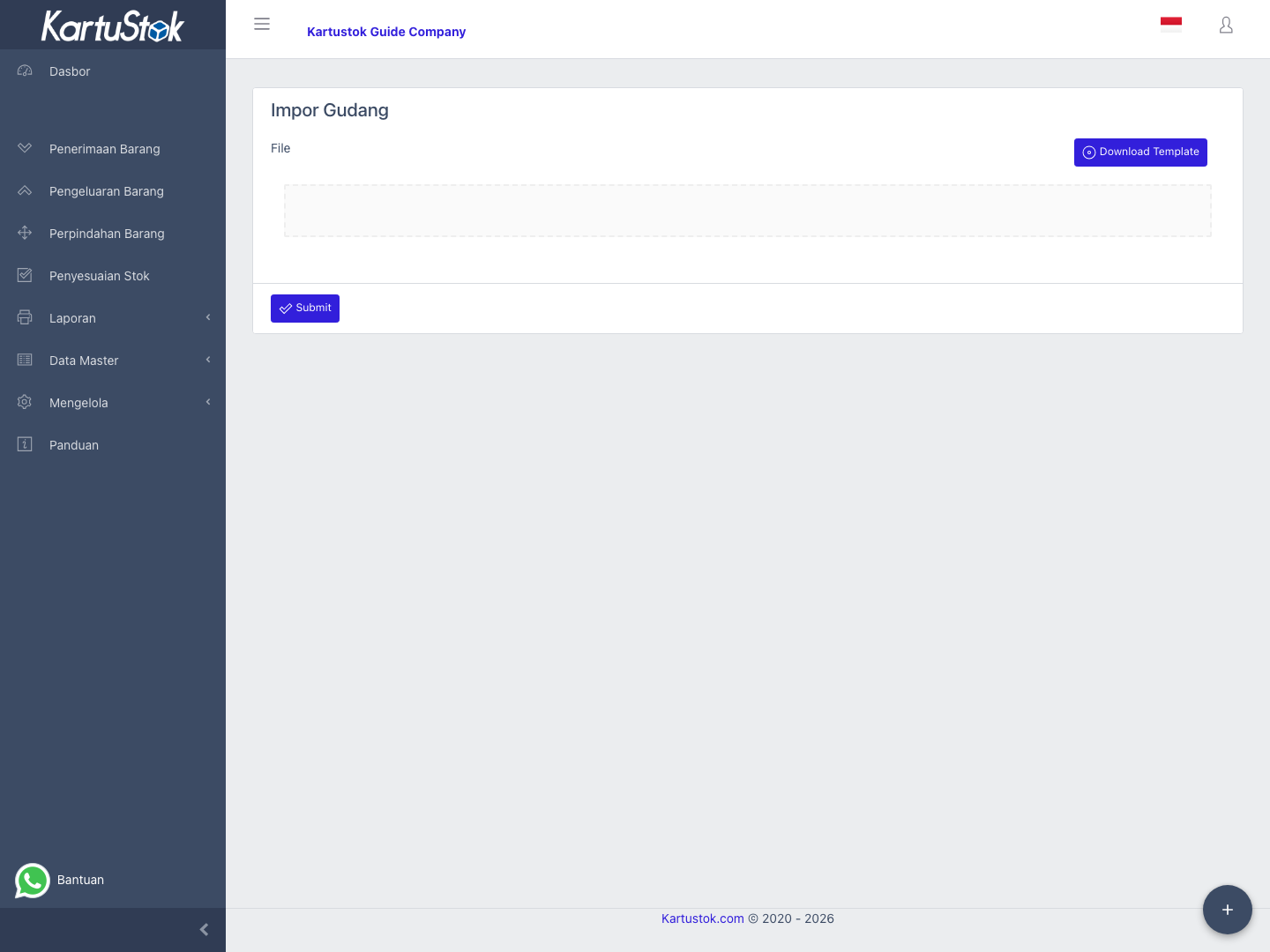
- Open the related import menu.
- Prepare the spreadsheet using the required columns.
- Upload the file.
- Confirm the file is accepted by the page.
- Select Submit.
- Review the related master data list.
Data Preparation Rules
| Rule | Reason |
|---|---|
| Keep codes unique | Codes are used by imports, reports, and integrations. |
| Prepare category and UOM first | Item import depends on them. |
| Use active warehouses | Transactions can only use valid locations. |
| Start with a small file | It is easier to fix template problems early. |
Common Problems
| Problem | Fix |
|---|---|
| Item import cannot find category | Import or create category first. |
| Item import cannot find UOM | Import or create UOM first. |
| Duplicate data appears | Check spreadsheet duplicate rows and existing data. |
| Upload button does nothing | Confirm the selected file format is supported. |