
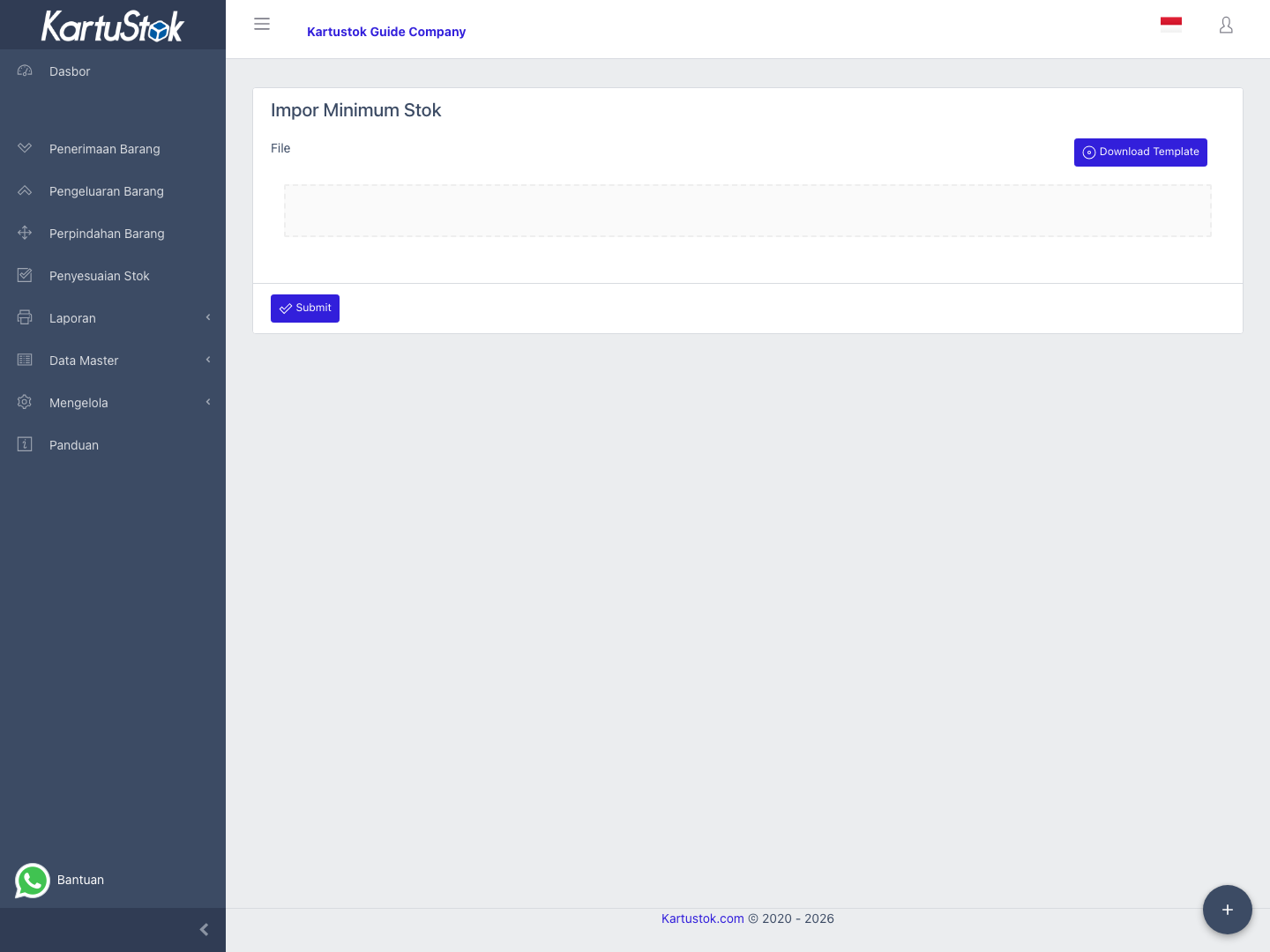
Import Minimum Stock
Minimum stock import updates item minimum quantity in bulk. The file behavior depends on the company's minimum stock mode.
Use it when reorder points are already maintained in a spreadsheet or when many items need minimum stock updates at once.
Menu Location and Access
Open Manage -> Import -> Import Minimum Stock. The menu appears when Import Item permission is available and minimum stock is active in company settings.
Before Importing
Check company settings first:
| Setting | Result |
|---|---|
| Inactive | Import Minimum Stock is not needed. |
| Union | File sets minimum quantity per item. |
| By Warehouse | File sets minimum quantity per item and warehouse. With Warehouse Grouping active, this uses the Warehouse Group name. |
| By Locator | Available when Warehouse Grouping is active. File sets minimum quantity per item and detailed Location. |
Sample Files
Minimum stock has two sample files because the required columns differ by company setting.
| Mode | Sample File | Required Columns |
|---|---|---|
| Union | minimum-stock-global-import-sample.xlsx | Item Code, Minimum Quantity |
| By Warehouse / By Locator | minimum-stock-warehouse-import-sample.xlsx | Warehouse, Item Code, Minimum Quantity |
Import Steps
- Confirm minimum stock mode in Settings.
- Prepare item and warehouse master data.
- Open Import Minimum Stock.
- Upload the spreadsheet.
- Submit the import.
- Open the matching minimum stock report to review results.
Field Meaning
| Field | Meaning |
|---|---|
| Item Code | Item receiving the minimum quantity setting. |
| Warehouse | Warehouse, Warehouse Group, or detailed Location name depending on the selected minimum stock mode. Required for warehouse-level or Location-level modes. |
| Minimum Quantity | Target minimum quantity. |
Operational Example
| Company Setting | Example Use | Result to Check |
|---|---|---|
| Union | Item PACK-TAPE should trigger low-stock warning below 20 units company-wide. | Import Item Code + Minimum Quantity, then open Minimum Stock report. |
| By Warehouse / By Locator | PACK-TAPE minimum is 20 in Main Warehouse and 5 in Branch Warehouse, or different per detailed Location if Location-level mode is selected. | Import the spreadsheet with Warehouse + Item Code + Minimum Quantity columns, then open Warehouse Minimum Stock report. |
If the report still shows no data, remember that minimum stock reports depend on both configured minimum quantity and current stock position.
Common Problems
| Problem | Fix |
|---|---|
| Menu is missing | Activate minimum stock mode and check import permission. |
Warehouse column fails | Confirm the selected minimum stock mode and use the exact Warehouse Group, simple warehouse, or Location name from master data. |
| Report still empty | Check current stock and minimum quantity after import. |