
BOM
BOM, or Bill of Material, defines the recipe used by stock transformation. It tells KartuStok which parent item is produced or broken down, and which component items are required.
Use BOM when the same assembly or disassembly pattern is repeated often, for example bundling several items into one finished item, repacking bulk goods into smaller packs, or breaking a kit back into components.
Menu Location and Access
Open Master Data -> BOM. The role must include BOM access. Creating, updating, or deleting BOM records requires the matching BOM permissions.
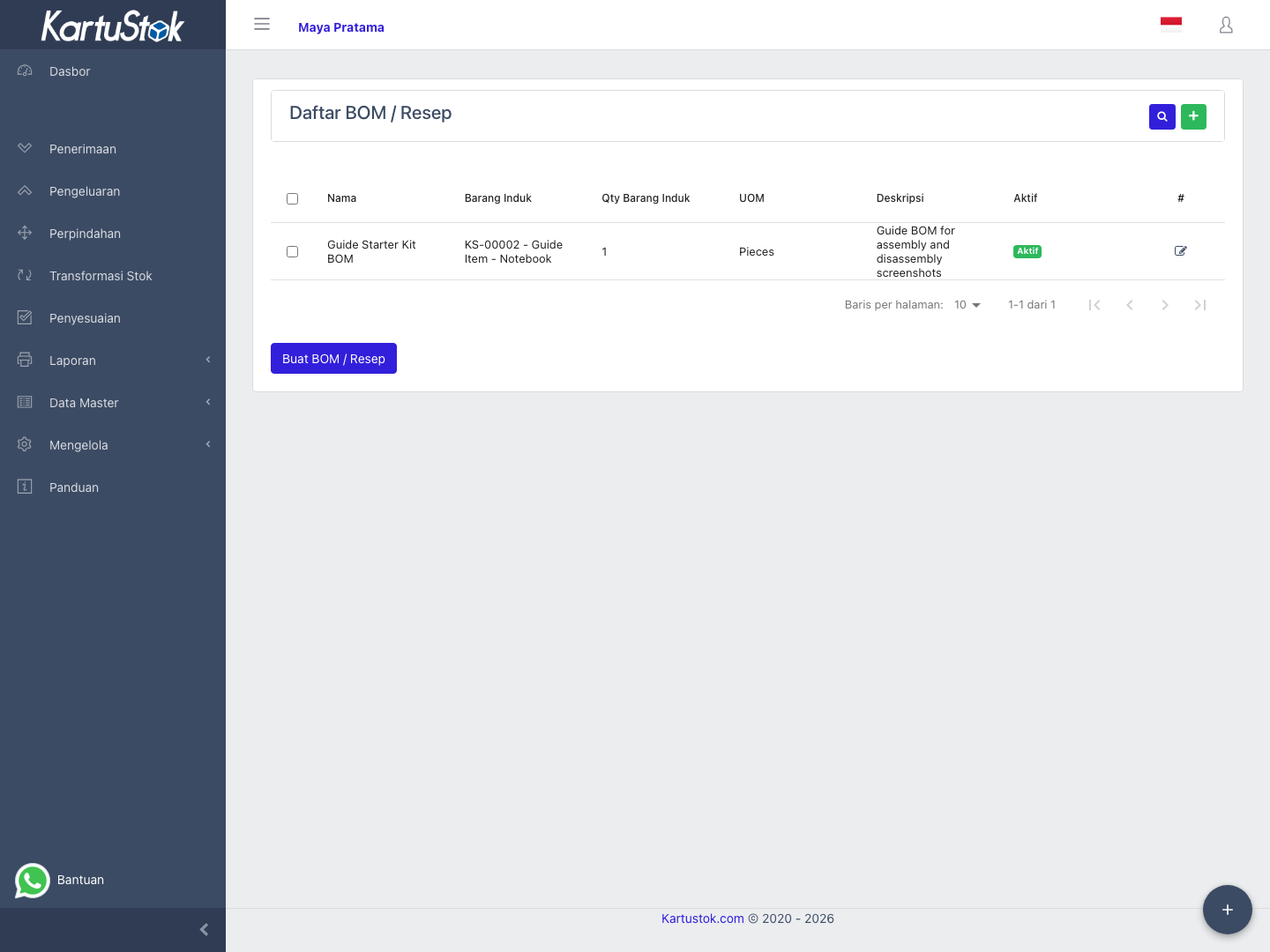
How BOM Works
| Field | Meaning |
|---|---|
| Name | Internal BOM name users choose in Assembly or Disassembly. |
| Parent Item | The finished, packed, bundled, or main item. |
| Parent Unit of Measure | UOM used for the parent item. It must be valid for that item. |
| Parent Quantity | Quantity of parent item represented by this BOM recipe. |
| Component Item | Input or output component item line. |
| Component Unit of Measure | UOM used for the component item. It must be valid for that component. |
| Component Quantity | Quantity needed for the parent quantity. |
| Active | Active BOM can be used in stock transformation. |
Example: a BOM named Starter Kit can define 1 SET Starter Kit as the parent item, with component lines 1 PCS Manual, 1 PCS Cable, and 1 PCS Box.
The form below shows a complete BOM recipe: one parent item, parent quantity, component item, component quantity, and active status.
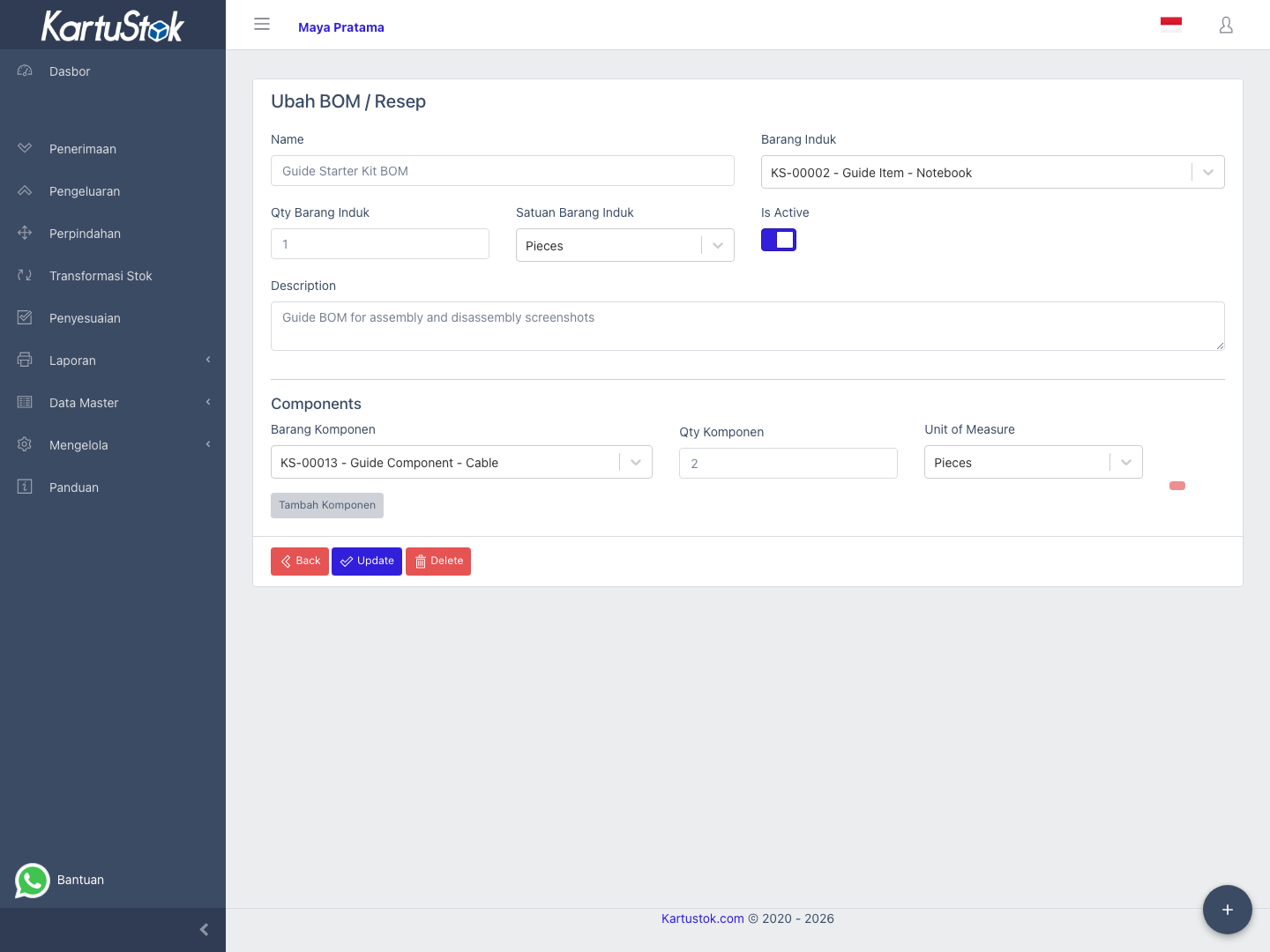
Important: An active BOM must have at least one component. The parent item cannot also be used as a component item in the same BOM.
Important: If a BOM has already been used by a stock transformation document, deleting it deactivates the BOM so historical documents remain traceable.
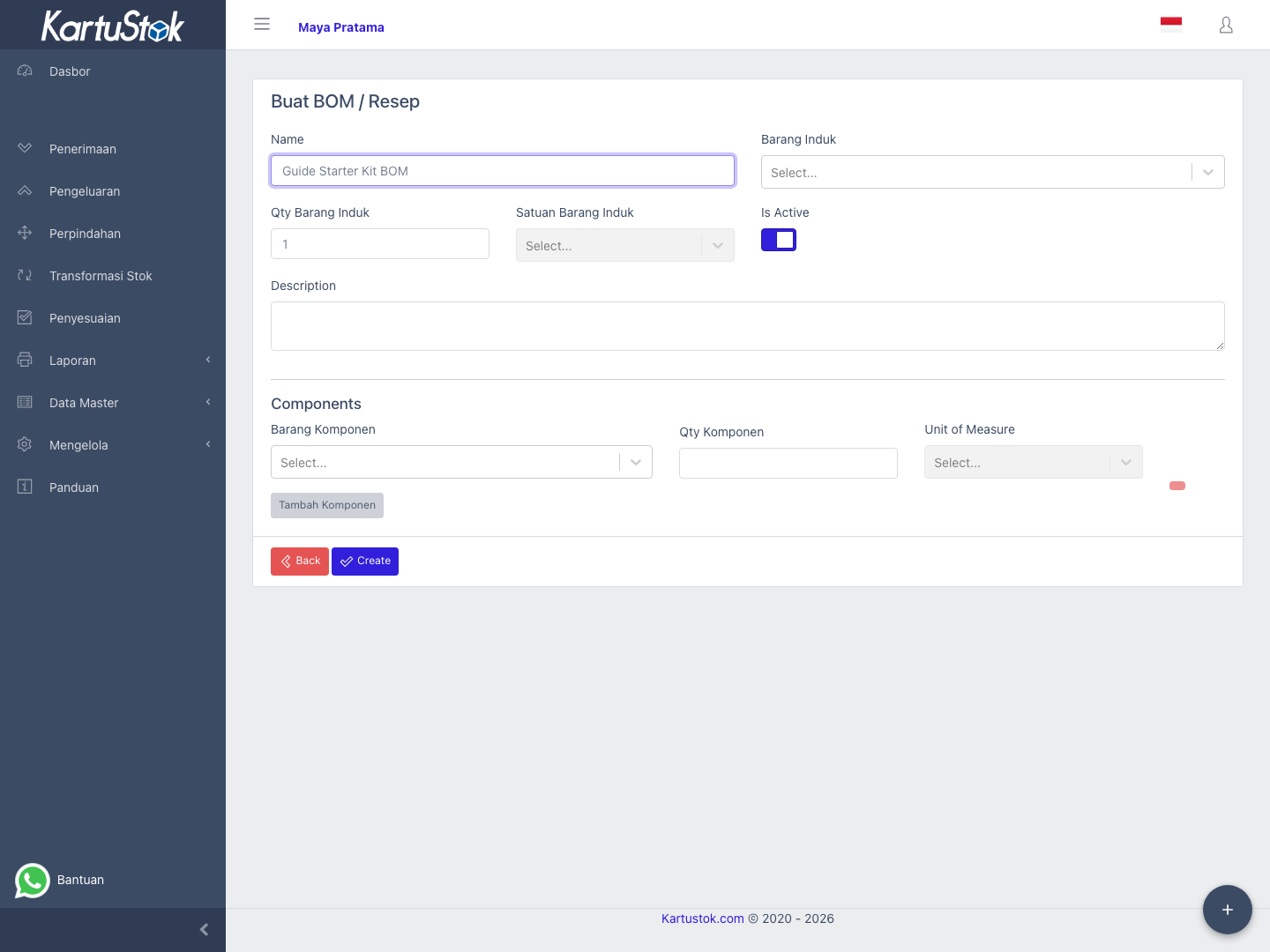
Create a BOM
- Open BOM.
- Select Create BOM.
- Fill a clear BOM name.
- Select the parent item, parent UOM, and parent quantity.
- Add one or more component item lines.
- Fill component UOM and component quantity for each line.
- Keep the BOM active if users should be able to use it.
- Save the BOM.
Operational Examples
| Use Case | BOM Setup |
|---|---|
| Product kit | Parent item is the kit; components are the items included in the kit. |
| Repacking | Parent item is the smaller pack; component is the bulk item. |
| Disassembly | Parent item is the assembled item; components are the parts recovered when it is broken down. |
Relationship with Stock Transformation
BOM does not move stock by itself. Stock changes only happen when users create and complete Assembly or Disassembly documents.
Common Problems
| Problem | Fix |
|---|---|
| BOM cannot be saved | Confirm parent item, parent UOM, parent quantity, and at least one component are filled. |
| Component line is rejected | Check that the component item is active, the selected UOM belongs to that item, and component quantity is greater than zero. |
| Duplicate component is rejected | Use each component item only once in the same BOM. |
| Parent item cannot be selected as component | Use a different component item; the same item cannot be parent and component in one BOM. |
| BOM is not available in transformation | Confirm the BOM is active and the user role has stock transformation access. |